
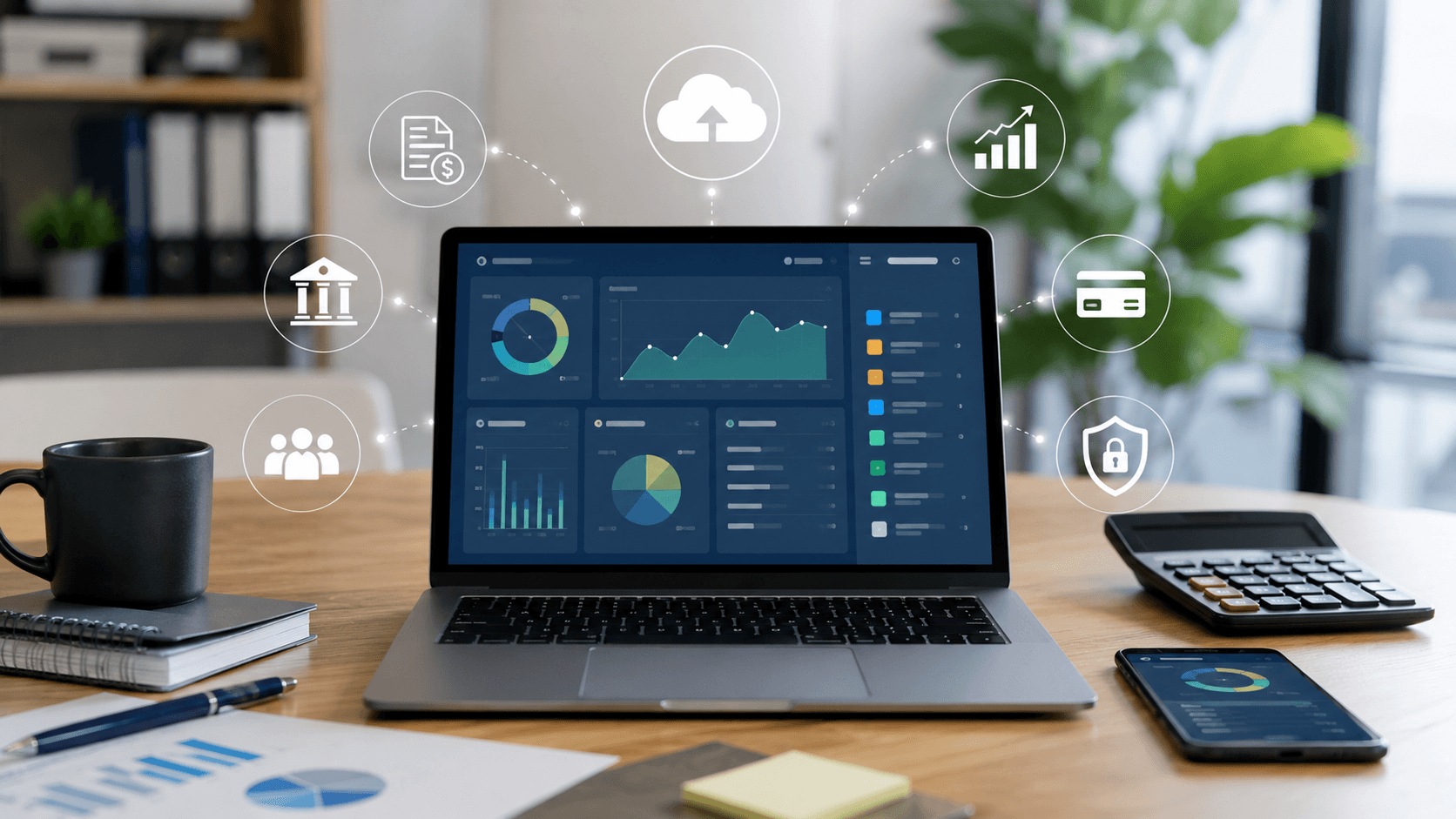
Essential Features to Look for in Cloud Accounting Software
Choosing cloud accounting software involves more than comparing prices. The right platform should simplify your daily financial tasks, improve accuracy, and grow alongside your business.
From invoicing and expense tracking to payroll and real-time reporting, modern accounting software offers a wide range of tools that help you spend less time on bookkeeping and more time running your business.
Here are the key features to consider when selecting a cloud accounting solution.
Easy Invoicing and Billing
Creating professional invoices should be quick and straightforward.
Look for software that offers:
- Customizable invoice templates
- Recurring invoices for repeat customers
- Online payment options
- Automatic payment reminders
- Invoice status tracking
These features help streamline your billing process while making it easier for customers to pay promptly, improving your overall cash flow.
Automatic Bank Feeds and Reconciliation
Manual transaction entry can be time-consuming and prone to errors.
Cloud accounting software with bank integration automatically imports transactions from your connected accounts, making reconciliation much faster.
Benefits include:
- Automatic transaction imports
- Faster bank reconciliation
- Reduced manual data entry
- Improved financial accuracy
- Better visibility into account balances
By reducing repetitive bookkeeping tasks, you can focus on higher-value business activities.
Real-Time Financial Reporting
Access to current financial information allows you to make better business decisions.
A quality cloud accounting platform should generate reports such as:
- Profit and loss statements
- Balance sheets
- Cash flow reports
- Sales summaries
- Expense reports
Many platforms also offer customizable dashboards that display your most important financial metrics in one convenient location.
Expense Tracking
Keeping expenses organized throughout the year simplifies budgeting and tax preparation.
Useful expense management features include:
- Receipt capture using mobile devices
- Automatic expense categorization
- Bank transaction matching
- Mileage tracking
- Digital record storage
These tools help maintain accurate financial records while reducing paperwork.
Payroll Management
If you employ staff, integrated payroll functionality can save considerable time.
Look for payroll features such as:
- Automated wage calculations
- Tax withholding support
- Employee payslip generation
- Payroll reporting
- Employee self-service portals
Managing payroll within the same platform as your accounting records also reduces duplicate data entry and improves efficiency.
Multi-User Access and Permission Controls
As your business grows, multiple people may need access to your financial information.
Cloud accounting software should allow you to assign role-based permissions so each user only accesses the information necessary for their responsibilities.
This is particularly useful for:
- Business owners
- Bookkeepers
- Accountants
- Managers
- Payroll administrators
Secure permission controls help protect sensitive financial data while supporting collaboration.
Mobile Access
Business doesn’t always happen in the office.
A mobile app allows you to:
- Create invoices while meeting clients
- Capture receipts immediately
- Review financial reports on the go
- Monitor cash flow from anywhere
- Approve transactions remotely
This flexibility makes it easier to stay connected to your business wherever work takes you.
Third-Party Integrations
Cloud accounting software becomes even more valuable when it connects with the other tools you already use.
Common integrations include:
- Payment processors
- Customer relationship management (CRM) software
- Inventory management systems
- E-commerce platforms
- Time-tracking applications
- Payroll services
Integrations reduce manual work by allowing information to flow automatically between your business systems.
Strong Security and Automatic Backups
Financial data is one of your business’s most valuable assets, making security a top priority.
Choose software that includes:
- Data encryption
- Multi-factor authentication
- Automatic cloud backups
- Secure login protection
- Compliance with recognized security standards
These features help protect your financial information while giving you confidence that your records remain safe and accessible.
Scalability for Future Growth
Your accounting needs today may look very different a few years from now.
Look for software that offers:
- Flexible subscription plans
- Additional user support
- Multi-currency capabilities
- Multi-business management
- Advanced reporting options
- Expandable features as your business grows
Selecting scalable software can help you avoid the cost and disruption of switching platforms later.
Choose Software That Supports Your Business
The best cloud accounting software does more than record transactions—it helps improve efficiency, automate routine tasks, and provide the financial insights needed to make informed business decisions.
By prioritizing features such as invoicing, bank integration, reporting, payroll, mobile access, security, and scalability, you’ll be better equipped to choose a solution that supports both your current operations and your future growth.
Investing in a platform with the right features today can save time, improve accuracy, and give you greater confidence in managing your business finances as it continues to grow.
Suggested Posts
All PostsAllAll PostsAll

Why Travel Rewards Benefits May Be Worth Exploring Before Your Next Vacation
- Jeff Weasley

Interest Rates Explained: What They Mean for Your Money and Financial Decisions
- Katie Swift